
Get permission
Only hunt where you are allowed to be. Ask the owner or manager first. Many parks and cemeteries close at dusk, so check the posted hours. If anyone asks you to leave, leave.
Halloween 2026
A simple plan for Halloween night with the three GhostLab apps. Map the room with Spirit Detector, log EMF readings and record EVP audio with Paranormal Toolkit, then run a spirit box session with Dead Channel. Bring a friend, get permission, and have fun with it.
For fun and entertainment. The apps log readings, record audio, map surfaces and play sound. They do not detect or prove anything.

Sort these out before it gets dark.
Only hunt where you are allowed to be. Ask the owner or manager first. Many parks and cemeteries close at dusk, so check the posted hours. If anyone asks you to leave, leave.
Wear sturdy shoes and a warm layer, carry a flashlight, and watch your step on stairs and uneven ground. Skip abandoned or damaged buildings. If something feels unsafe, call it a night.
Never go alone. Tell someone who is staying home where you will be and when you expect to be back. Agree on a time to check in.
Start with a full battery and bring a power bank and cable. Scanning, the flashlight and long recordings all use battery quickly.
Headphones make quiet recordings much easier to hear on playback. Keep one ear free while you walk around so you can still hear the room.
Bring a notebook and pen, or use a notes app. Write down the time, the room and anything you notice, like a draft, a creaky floor or a car going by.
Each app works on its own. Use all three in this order, or skip any step you do not have the app or device for.
Step 1
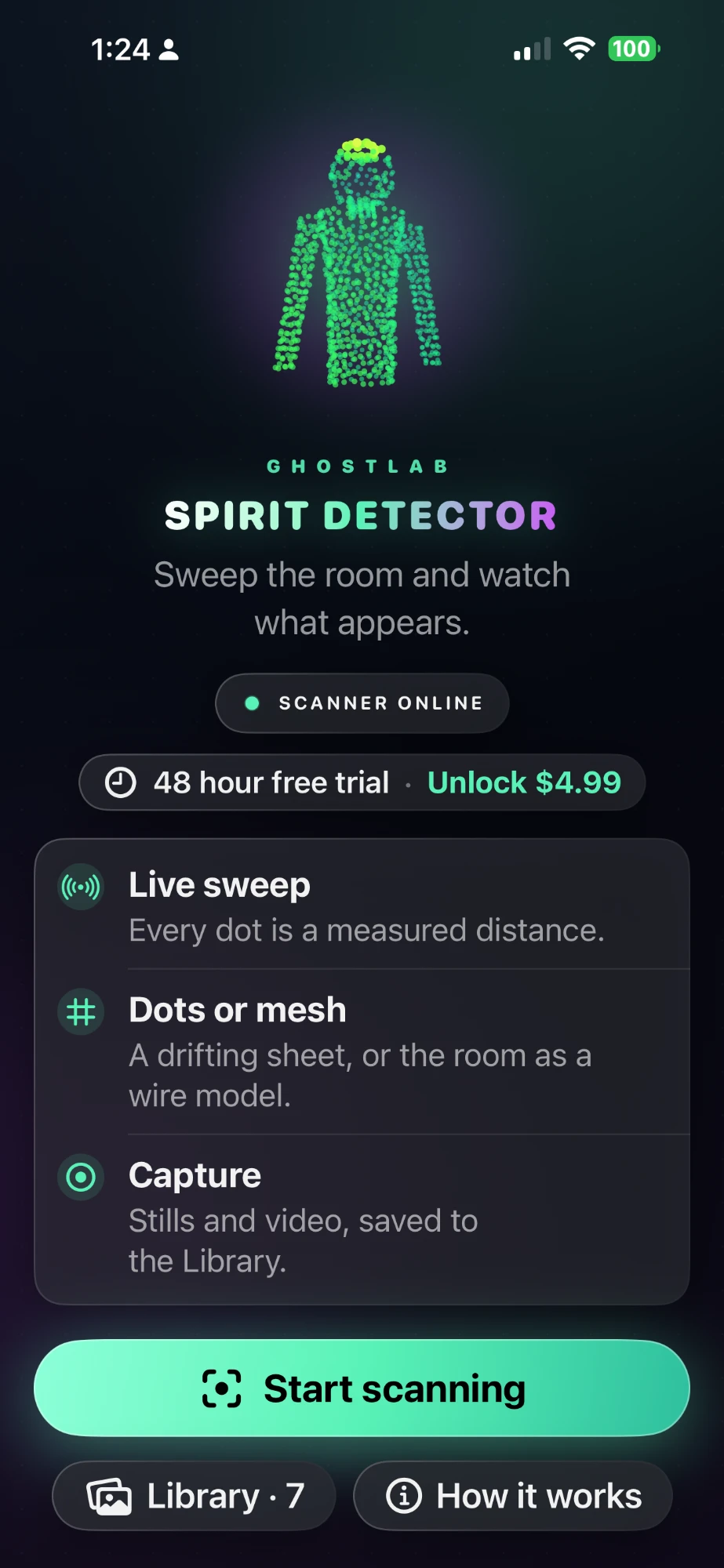
Needs a LiDAR scanner. Spirit Detector runs on iPhone 12 Pro or a later Pro model, or an iPad Pro from 2020 on, with iOS 17 or later. It is not available on Android. If nobody in your group has one, go straight to Step 2.
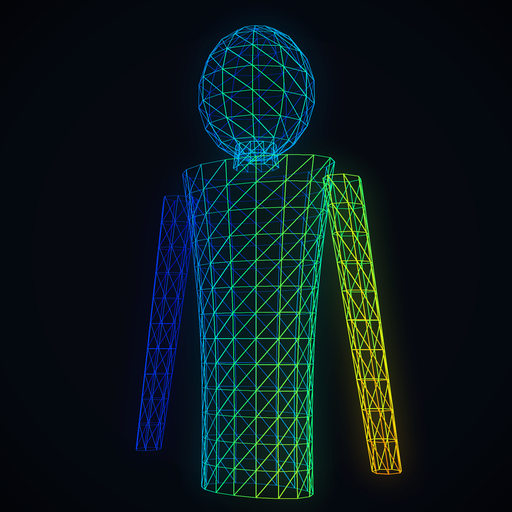
Spirit Detector uses the LiDAR scanner to draw the room as dots, one measured distance at a time. Do this first, before you turn the lights down, so you have a record of the doorways, stairs and furniture to plan around and check against later.

48 hours free, then $4.99 once. iPhone Pro and iPad Pro only.
Step 2
Open GhostLab: Paranormal Toolkit and start with the EMF tile. It reads the phone's magnetometer and shows the level on green to red LED bars. Then switch to Classic EVP, which records clean microphone audio for you to play back later.
EMF and Classic EVP are free. GhostLab Pro is $9.99 one time.
Step 3
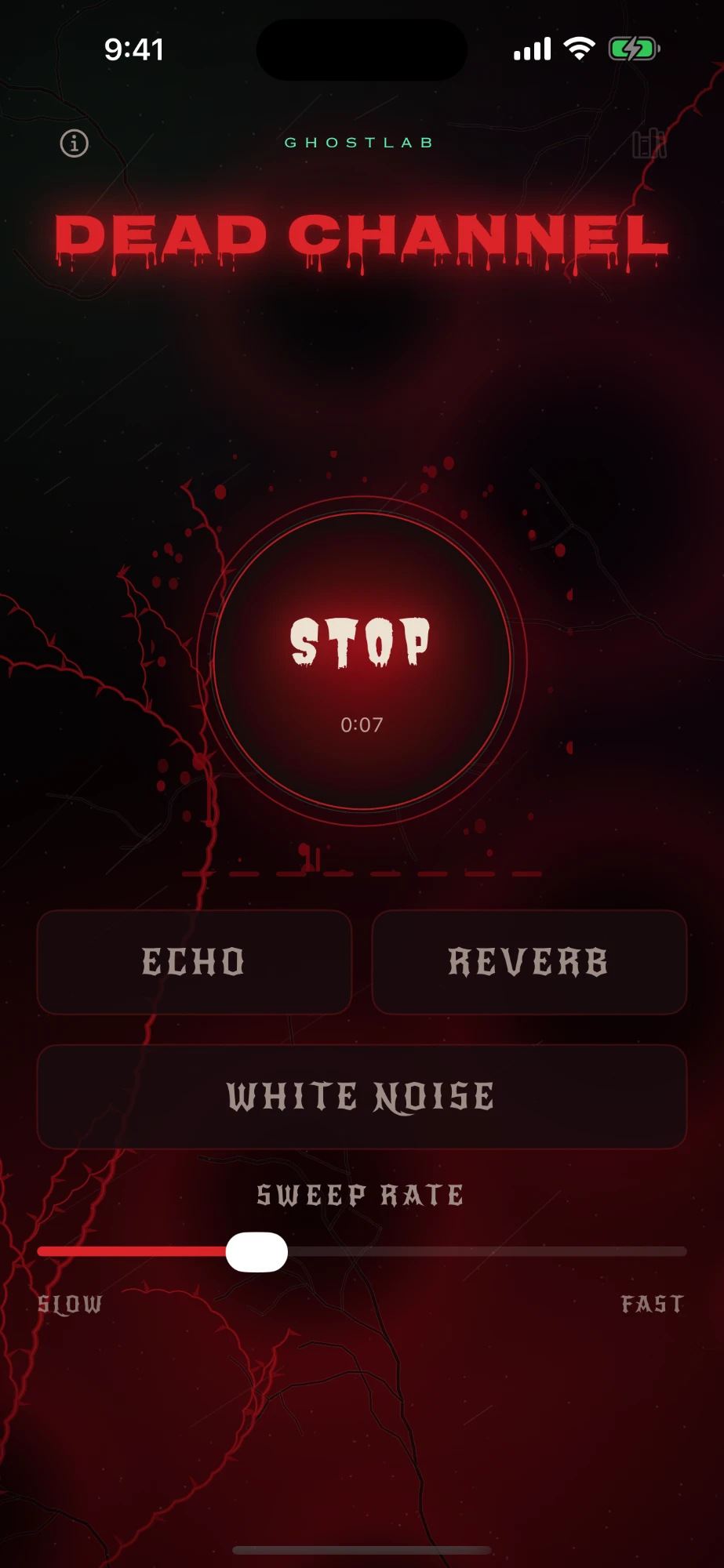
GhostLab: Dead Channel is a spirit box app. It sweeps through eight banks of recorded voice clips, breaths and static, a few at a time with silence in between, chosen at random. The app never uses the microphone, so it does not hear your questions. Everyone listens and decides for themselves what they heard.
48 hours free, then $7.99 once. iPhone, iPad and Android.
Halloween is on a Saturday this year. Visit the location in daylight first, then start after dark.
Play back your EVP clips and the Dead Channel session with headphones, and go through everyone's notes side by side. Most odd sounds and readings have an everyday cause, like wiring, a phone, a pipe or someone shifting their weight. Working out the cause is part of the fun. Share your setup and tag @ghostlabicu.
GhostLab Halloween ghost hunt checklist · ghostlab.icu/halloween-ghost-hunt.html
Check the boxes on screen, or print it and bring it with you.
For entertainment only. GhostLab apps log readings, record audio, map surfaces and play sound. They do not detect or prove anything. Hunt safely, and only where you have permission to be.
No. Each app works on its own. Paranormal Toolkit covers EMF and EVP for free on iPhone, iPad and Android. Add Spirit Detector if you have a LiDAR iPhone or iPad Pro, and Dead Channel if you want a separate spirit box app.
iPhone 12 Pro or a later Pro model, or an iPad Pro from 2020 on, running iOS 17 or later. It needs the LiDAR scanner, so it does not run on other iPhones and is not available on Android.
Paranormal Toolkit is free to download, and EMF and Classic EVP stay free. GhostLab Pro is $9.99 one time. Dead Channel is free for 48 hours, then $7.99 once. Spirit Detector is free for 48 hours, then $4.99 once. None of them are subscriptions.
The Spirit Detector trial starts with your first scan, and the Dead Channel trial starts when you begin it. Each lasts 48 hours. If you want to use them on Halloween night without buying, start them no more than two days before.
No. The apps log sensor readings, record audio, map surfaces and play sound. They do not detect, measure or prove anything paranormal. GhostLab is for entertainment.
Anywhere you have permission to be and that is safe to walk around at night. Your own home, a friend's basement or an old building whose owner says yes all work well.
Visit GhostLab support for help with any of the apps.
Install them at home, open each one once, and learn the controls before Halloween night.
LiDAR room mapping. iPhone 12 Pro or later Pro models and iPad Pro (2020 on). 48 hours free, then $4.99 once.
EMF, EVP and spirit box tools. iPhone, iPad and Android. Free to start, Pro is $9.99 one time.
Spirit box app with eight voice banks. iPhone, iPad and Android. 48 hours free, then $7.99 once.
Questions? Visit GhostLab support.