
Map the location first
Sweep each room before the lights go out and record it. You come away with a picture of the doorways, stairs and furniture to plan your setup around and to check against later.
GhostLab
Sweep the room. Watch what appears.
GhostLab: Spirit Detector turns the LiDAR scanner on an iPhone Pro or iPad Pro into a live map of the room, drawn one measured dot at a time. Map a location before lights out, watch a doorway while you work, and take the recording home for review.

48 hours free, then $4.99 once. No subscription. No ads.
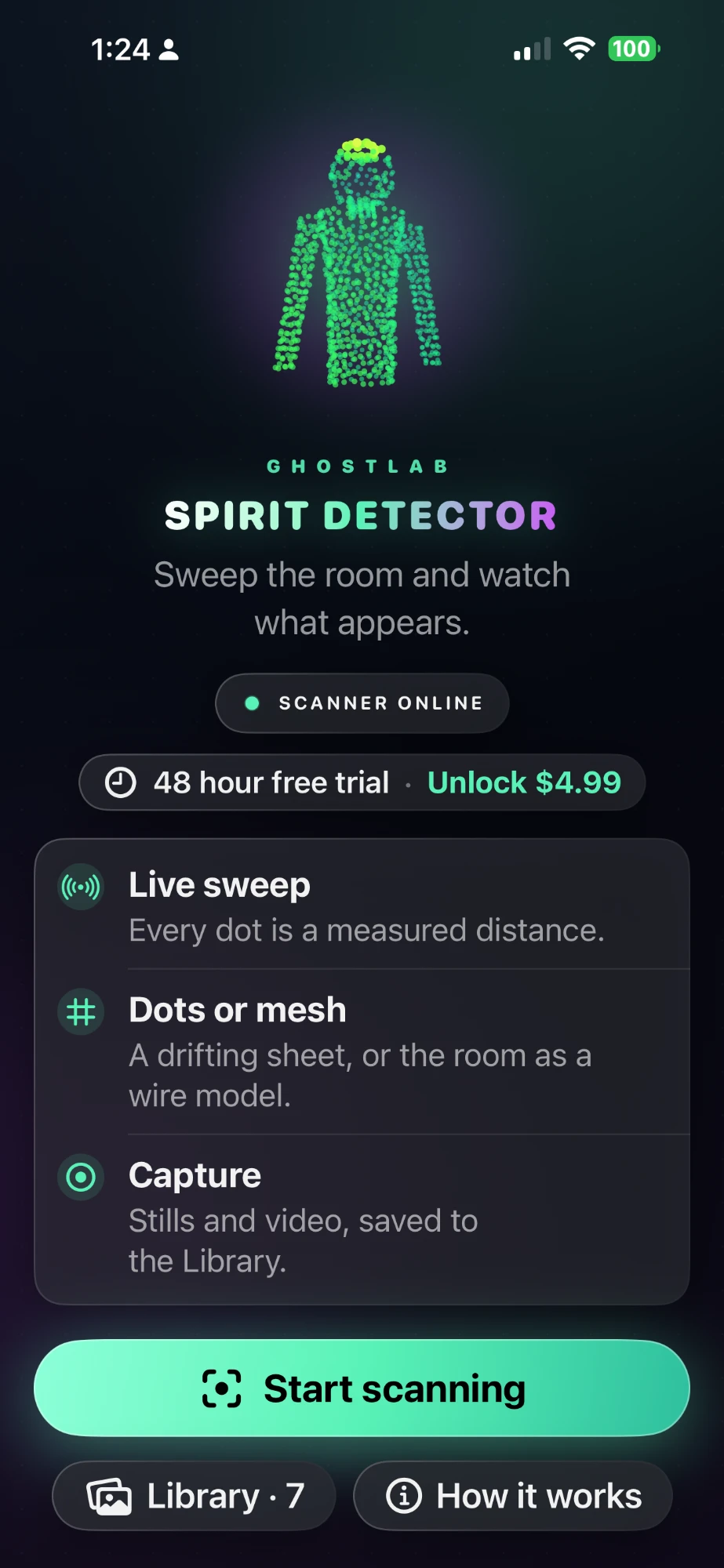
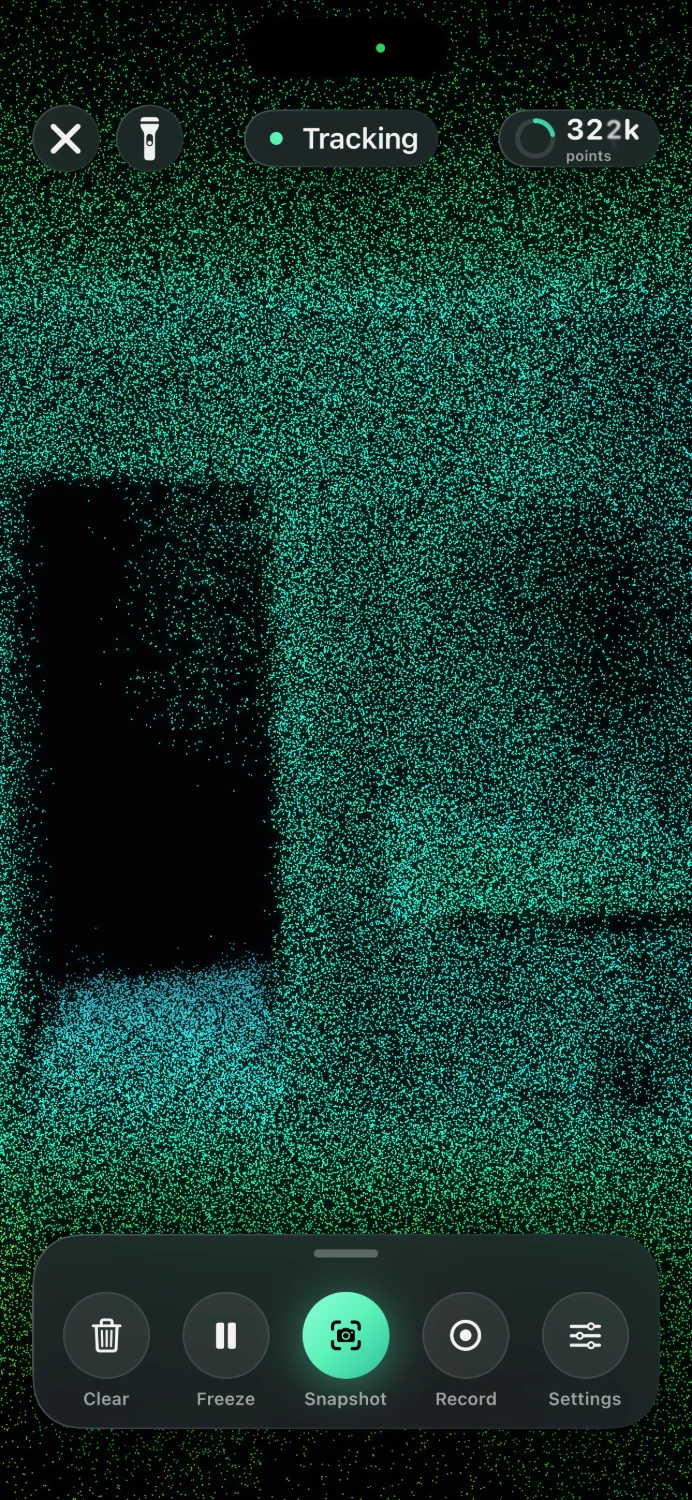
Your iPhone has a laser scanner next to the camera. It measures how far away things are, and Spirit Detector draws a dot for every measurement, many thousands of them every second.
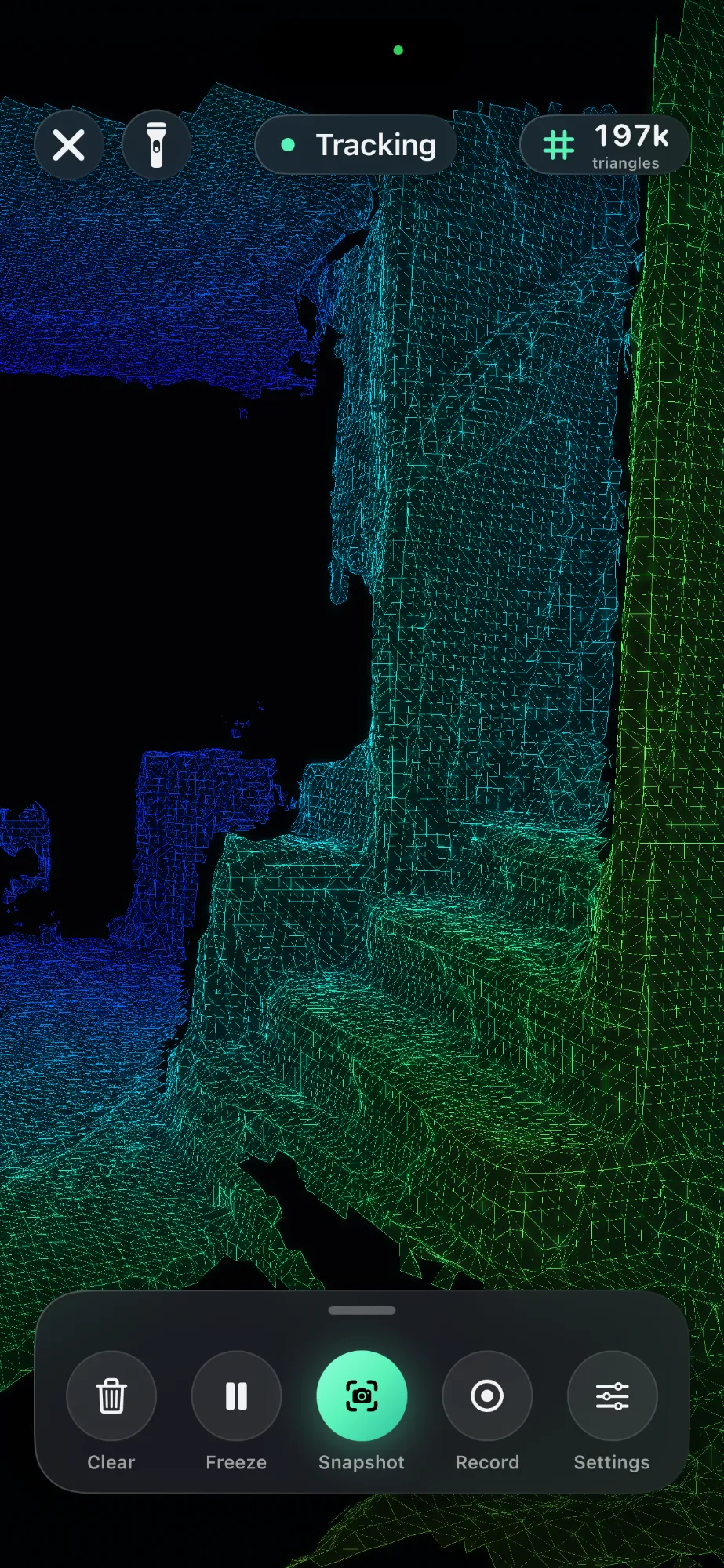
Switch to Mesh and the scanner's smoothed map of the walls, floor and furniture is drawn as a wire frame, colored by distance. Furniture holds its shape from every side. Run it alone or under the dots.
Spirit Detector shows you the room's surfaces as the scanner sees them. That makes it a mapping tool, a watch on a doorway, and a way to rule out the ordinary before you call anything unexplained.
Sweep each room before the lights go out and record it. You come away with a picture of the doorways, stairs and furniture to plan your setup around and to check against later.
A person-sized shape standing clear of the wall or floor, with nothing behind it, shows up green in front of blue. That is the moment to stop and look closer.
Tap Freeze and circle what you found. A shape that holds from every angle is a surface the scanner measured. What that surface is, you decide.
The scanner measures with its own light, so the dots keep coming when the room is dark. Tracking holds better with some light, and the flashlight is one tap away.
Park the phone on a doorway or hallway and record. Stills and video land in the Library, ready to watch back, share with the team, or save to Photos.
Glass, mirrors, dark paint and the edges of objects confuse the sensor, and people walking through leave a trail. All of that is normal for LiDAR. Knowing it is half of ruling things out.
The same routine the app teaches on its How it works screen.
Hold the phone at chest height and let the room fill in for a few seconds before you move.
Turn through the room at walking pace or slower. Fast turns smear the map.
Stop adding dots and walk around what you have. Real surfaces hold their shape from every side.
Tap Record and hold steady. Tap the red timer to stop; the video waits in the Library.
iPhone 12 Pro or a later Pro model, or an iPad Pro from 2020 on, running iOS 17 or later. Other iPhones and iPads open to an explanation instead of a scan.
No account, no ads, no analytics. The microphone is never used and the camera picture is never saved. Captures leave the phone only when you share them. Privacy policy
Every feature is open for 48 hours from your first scan. Then $4.99 once, for life. Not a subscription, and never charged again.
GhostLab: Spirit Detector is on the App Store for iPhone Pro and iPad Pro. It runs on its own, next to GhostLab: Paranormal Toolkit or any other kit you carry.
